Every time you want to try a new operating system, you wipe your pendrive, flash a new ISO, and lose the previous one. Ventoy fixes that. You install it once on a USB drive, then simply copy ISO files onto the drive — as many as fit — and pick which one to boot from a menu.
Free Software
OverlayFrame – Easily Mark Your Live Streaming & Recording Area
Why I created OverlayFrame
I recently started using OBS Studio to record and share only part of my screen during video calls. It’s an amazing free tool — you can learn more and download it here: https://obsproject.com.
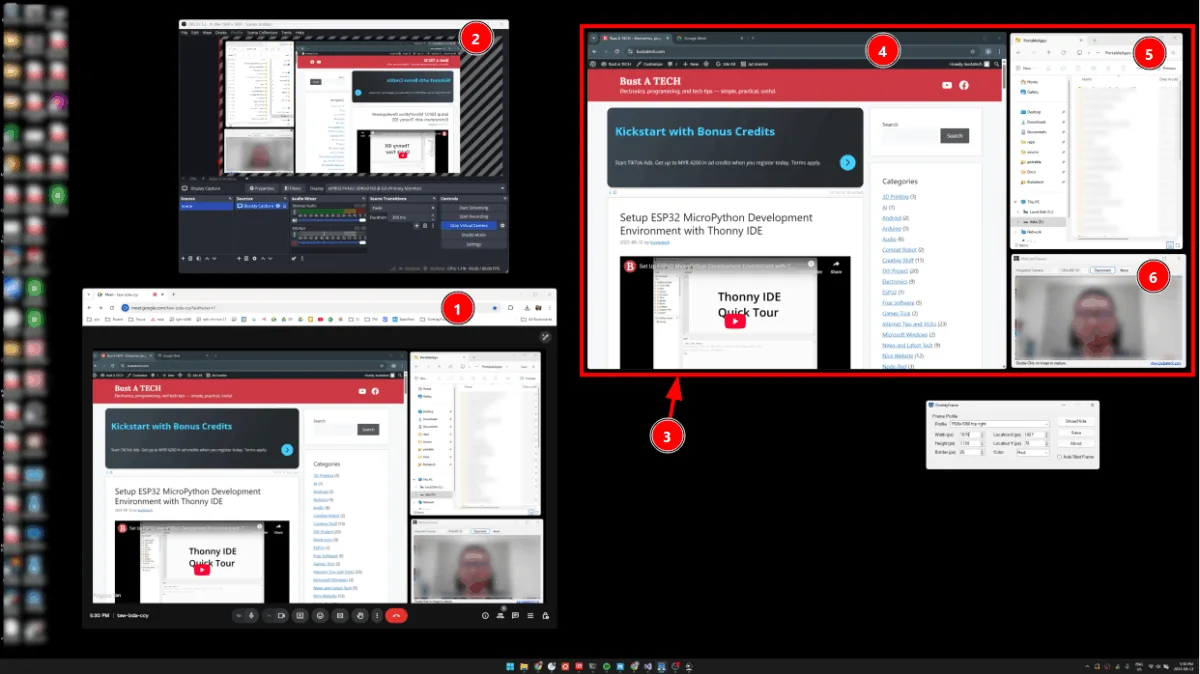
This setup is especially useful for my large 43-inch 4K monitor. Sharing the entire 4K screen makes text too small for viewers, while sharing only one application window means constant switching when using multiple windows.
However, I ran into one problem — it’s difficult to know exactly which part of the screen is being captured or shared. I searched through OBS settings and online guides but couldn’t find a way to display a simple border marking the capture area.
That’s when I decided to create OverlayFrame — a lightweight tool that displays a configurable on-screen frame, clearly showing the exact area being recorded or streamed. You can easily adjust and save the frame’s position, size, color, and border thickness to match your workflow.
Example use case on 43-inch 4K monitor

WebcamViewer – View your webcam on Window 7
If you ever use Window XP + Webcam, you probably know that you can view the webcam under My Computer, without any application or webcam software.


EasyReminder
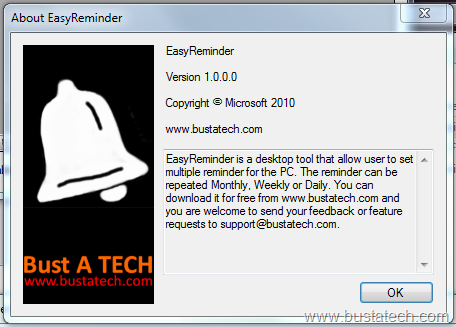
EasyReminder, a free software that allow you to easily set reminder in your PC. If you face your computer most of the time, this software is suitable as a multipurpose reminder for you. You can set one time reminder, monthly reminder, weekly reminder and daily reminder.
DelayedSleep
DelayedSleep is another click-and-run software that put your PC to standby/sleep after a preset delay time. Similar to TurnOffMonitor, it do not require any installation and consume less than 200 KB of your hard disk space.
You can set the delay time or sleep time of your PC by duration or by specific time.

TurnOffMonitor
Want to turn off your laptop’s monitor without closing the lid? Don’t want to use the power button of your LCD monitor to turn off your monitor? Now you have the solution!
TurnOffMonitor is a small size click-and-run software that do not require any installation and consume very small amount of you hard disk space (less than 500KB!). TurnOffMonitor is a software that turn off your monitor instantly after you run it.
This is the main window of TurnOffMonitor, which you will see after you run TurnOffMonitor.
