Get the gender of your PC

Received a step-by-step guide from a friend, about how to find out the gender of your PC. It is quite interesting, and I decide to share it here, and hope you can have atry.

So, the first step is to open “Notepad” from start menu, Start > All Programs > Accessories > Notepad.

image Now, paste the following text to the notepad: CreateObject(“SAPI.SpVoice”).Speak”I Love You”

image

Read more

MacroTube: watch YouTube on Windows Media Center

⚠️ Archived post. This article is from 2010 and is kept for historical reference. The product or service it describes has since been discontinued or significantly changed, so the steps and links below may no longer work.
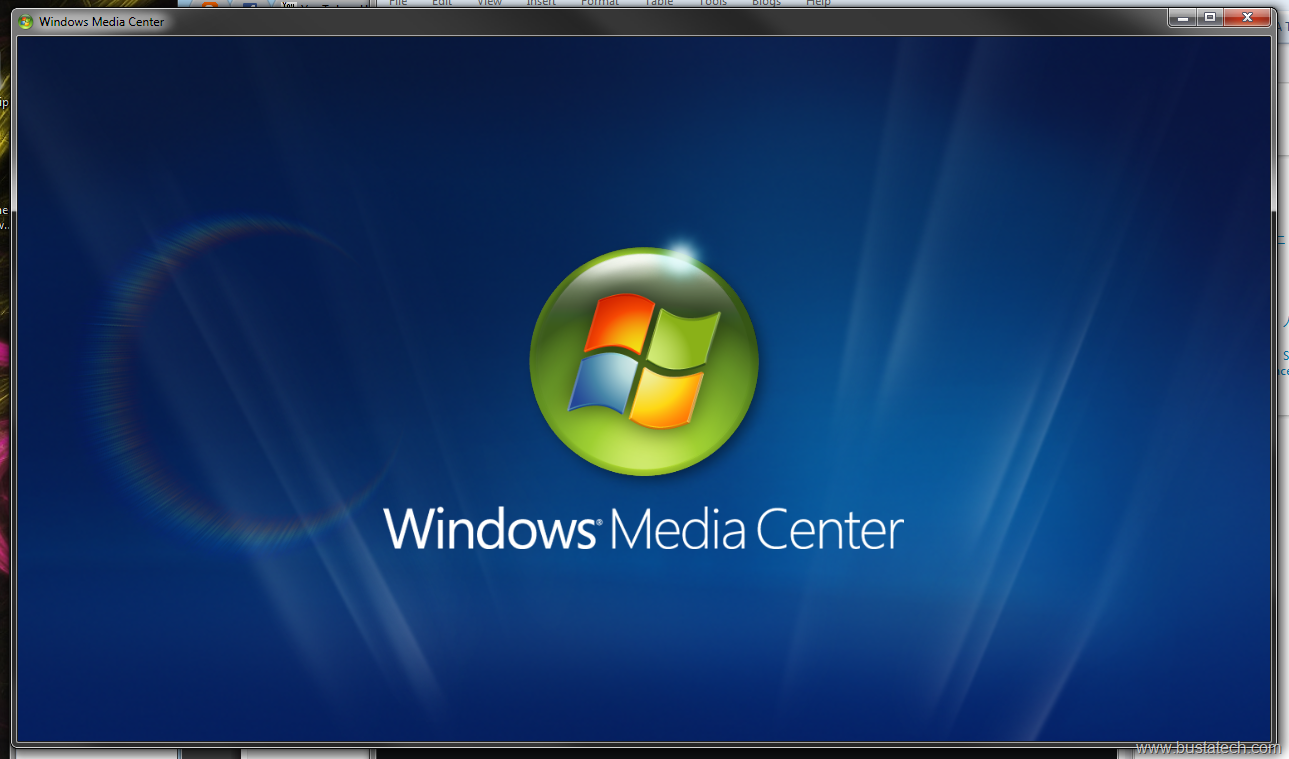
Anyone using Windows Media Center to watch movie and listening to music? Well, I didn’t use much, but this application, MacroTube is really nice and useful for those who like Windows Media Center. image

Read more

Simple Way to Get RGB Value of the Color on Your Screen

Someone asked me, how to get the RGB value of a color on a webpage, it can be the background color, font color, or anything, and its not limited to only webpage. Technically you can get the RGB value of the color that appear on any pixel on your computer screen. I know there is a lot of software that allow you to get the value of RGB on any pixel, but this method that I am going to show doesn’t require any software to install, it only use Microsoft Paint.

I am going to use a website as an example, and I am going to show you how to get the background color of the website. Open the website on your favourite browser.

ScreenShot005

Read more

Set Language for Non-Unicode Programs

⚠️ Archived post. This article is from 2010 and is kept for historical reference. The product or service it describes has since been discontinued or significantly changed, so the steps and links below may no longer work.
Recently I installed PPSTREAM, a software that enable you to stream video from internet, and after the installation, the PPSTREAM do not display chinese character correctly. Therefore, I create this guide on how to enable Chinese language as the language for non-Unicode programs. This is the main page of the PPSTREAM before I set Chinese language as the language for Non-Unicode programs. You can see that some of the chinese character do displayed correctly, But the main menu character is not. ScreenShot006 ScreenShot008 

Read more