⚠️ Archived post. This article is from 2014 and is kept for historical reference. The product or service it describes has since been discontinued or significantly changed, so the steps and links below may no longer work.
Creating apps for Android has been simplified by lots of tools available for free from internet. One of them officially by android.com:
http://developer.android.com/sdk/index.html
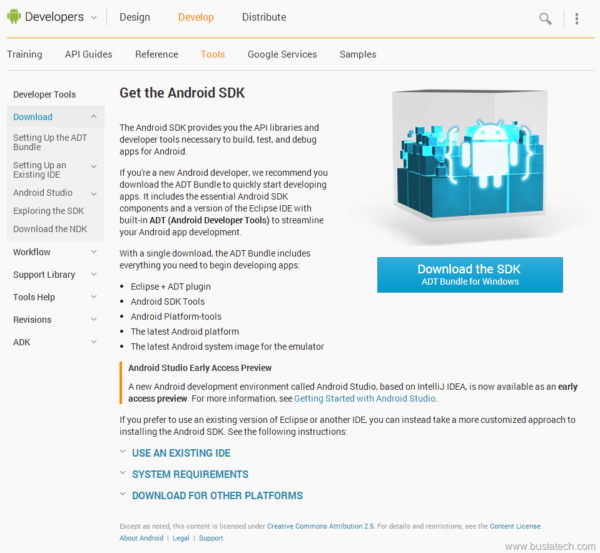 Simply click the Download the SDK blue button to download the ADT Bundle for Windows. Then you will need to agree with the Terms and Conditions, also make sure you choose the correct operating system 32/64 bit.
 Download size is around 510MB.
 Downloaded zip file consist of several files:
 Opening the SDK Manager.exe it shows a list of SKD that you can choose to install or delete. I think this is some kind of software library that might be use for the apps development. Will need to read more on this one.
 Inside the eclipse folder seems like there is a portable version of eclipse that will be use for the coding. But running it activate an error message saying that it do not found JRE or JDK. I guess I need to install either one of it first.
 After having the JDK 8 installed (you can get it here), executing eclipse.exe start the ANDROID DEVELOPER TOOLS (I was right about the “portable” version of this IDE). I guess this Android IDE is built up based on eclipse IDE. It also ask for the Workspace location for the first time.
 And, I think that’s it, time for coding now…
 It even came with the Tutorials to get user start easily with Android development.